
Services
Moving to a new host or domain, planned and tested first, so your visitors and Google barely notice the switch.
Sounds familiar?
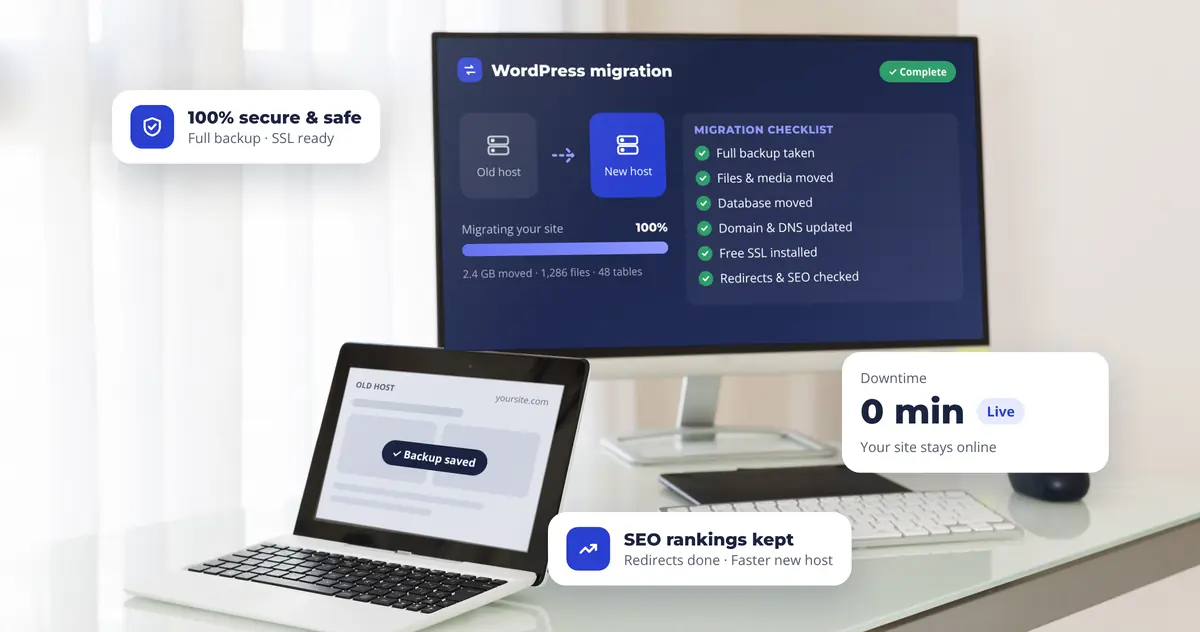
What's included
Nothing is touched until there's a complete copy of your site.
Every page, image and upload moved across.
Content, users, orders and settings, checked after the move.
Done at a quiet hour, when the fewest visitors are on the site.
HTTPS working on the new host from day one.
So your rankings and old links carry over.
How it works
I look at your host, plugins, email and anything that could cause trouble.
Your site is copied to the new host and tested there first.
DNS is switched at a quiet hour, with the old site still in place.
Pages, forms, SSL and redirects are checked after the switch.
Questions
The move is planned so visitors don't notice. The old site stays up until the new one has been tested.
Redirects and SEO checks are part of every move, so your pages and links carry over.
Yes, if it's part of your hosting. We plan it together before anything changes.
Related: WordPress Care PlanWebsite Audit